
Guides/Getting started
What is Clayo?
Clayo gives your product beautiful help docs that you write without leaving your AI coding tool. Describe what you want in Claude Code, Cursor, or Codex, and your agent creates, edits, and publishes articles for you. Clayo turns them into a fast public docs site with search, AI answers, and an embeddable support widget.
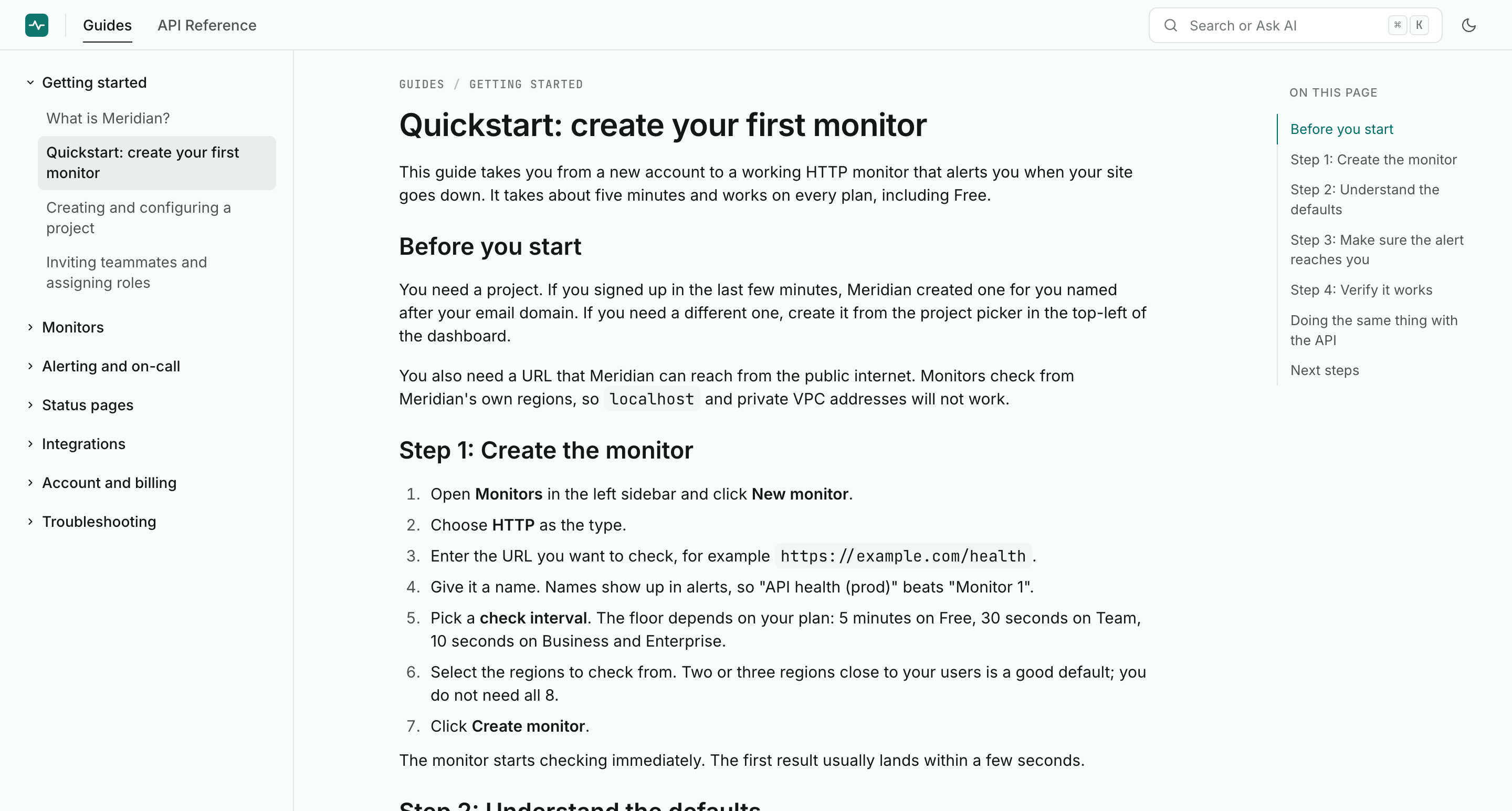 The Meridian demo docs site, published entirely through an AI coding tool.
Your AI tool is the editor
Clayo has one write surface: an MCP server that your coding agent connects to. There is no web editor, and that is deliberate. You already have a capable editor open all day, and it knows your product, your codebase, and your voice. Clayo gives it a set of structured tools for managing docs, so a request like this is all it takes:
Add a doc explaining how billing works, and publish it.
Your agent drafts the article, saves it to Clayo, publishes it, and replies with a link to the live page. Renames, reorganizations, screenshots, bulk updates: if you can describe it, your agent can do it. See Write your first article for the full flow.
The web app at clayo.com is a thin admin layer: project settings, branding, team, and insights. Everything about the content itself happens in your coding tool.
What your customers get
Publishing to Clayo ships a complete support surface, not only pages:
- A public docs site at
yourname.clayo.site, or your own domain. Opinionated, fast, and readable, with dark mode built in. Take the tour. - Search that understands meaning, not only keywords. Visitors press Cmd+K and find answers even when they use different words than your docs do. See How search works.
- AI answers grounded in your published docs, with numbered citations. When the docs do not cover something, the AI says so honestly and points visitors to your support email instead of guessing. See Ask AI on your docs site.
- A support widget you can drop on your own site with one script tag, so answers live where your customers already are. See Add the support widget to your site.
- Agent-readable docs out of the box: every site ships
llms.txtand a markdown version of every article, so AI tools reading your docs get clean source instead of scraped HTML. See llms.txt and agent-readable docs.
Built for teams shipping with AI tools
Clayo is built for small technical teams that build with AI coding tools and want their docs to keep up with their product. Every teammate connects their own tool and authors through it; roles control who can change settings and manage the team. The Insights page closes the loop: see what visitors ask, what the AI could not answer, and ask your agent to fill the gaps.
Pricing
Clayo is free to use. AI answers run on OpenAI, and 1,000 answers are included every month so you can start with zero setup. When you are ready, add your own OpenAI key and the limit goes away. See Bring your own OpenAI key.