
Guides/Getting started
Publish and view your docs
Publishing is one sentence to your agent:
Publish the getting started guide.
The agent publishes the article and replies with the live URL. Changes reach your public site within seconds.
Where your docs live
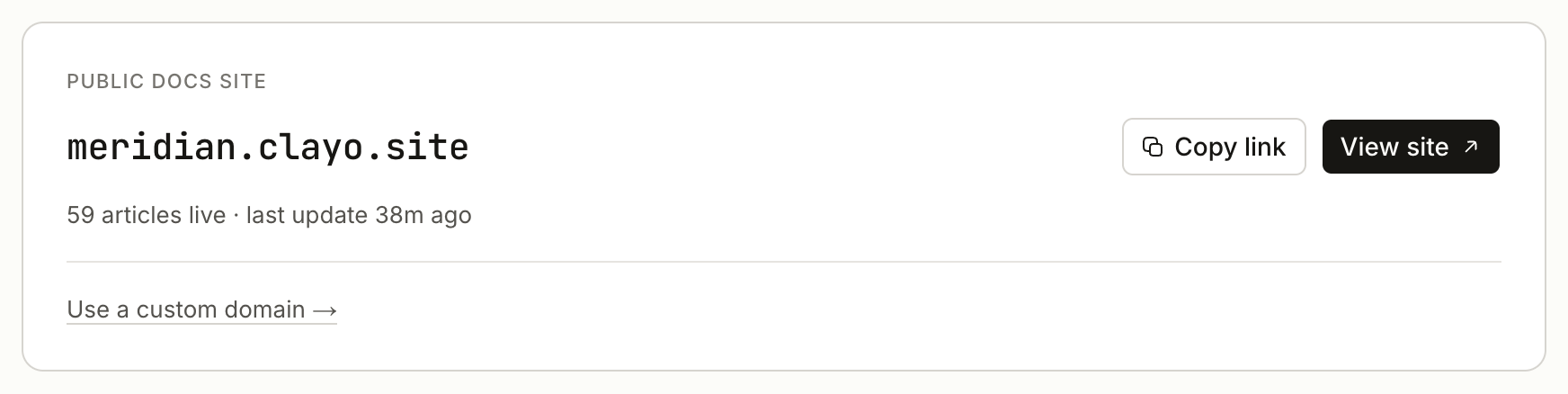
Your site is at https://yoursubdomain.clayo.site, and each article gets a stable address like /articles/getting-started. The Home page in Clayo links to your site and shows how many articles are live and when the site last changed.
Later, you can serve the same site from your own address: see Connect a custom domain or Host docs at yoursite.com/docs.
How publishing works
Every article is either a draft, published, or published with newer draft changes:
- Draft. Invisible to the public. Free to be rough or empty.
- Published. Live on your site. Publishing requires a title and content.
- Published, with unpublished changes. Editing a live article never touches the live page. Your edits accumulate in a new draft, and the live version stays up until you publish again.
This means you can rewrite a live article over a week of conversations with your agent, and customers keep seeing the old version until the moment you say:
Publish my changes to the billing article.
Unpublishing
To take an article off the site without deleting it:
Unpublish the legacy import guide.
The page is removed from your site, search, and AI answers, and the content stays in Clayo as a draft you can bring back any time.
What visitors get immediately
Everything ships with the site on day one, no setup:
- Search over every published article
- AI answers grounded in your docs, with citations
- Dark mode, a table of contents, and mobile-friendly reading (see the site tour)
- Agent-readable docs: llms.txt and a markdown version of every page
Next steps
- Brand your docs site with your logo and accent color
- Add the support widget to your site
- Invite your team