
Guides/Writing docs
How authoring works
In Clayo, your AI coding tool is the editor. You describe what you want in plain language, and your agent writes, edits, and publishes through Clayo's MCP server. The web app at clayo.com stays focused on admin work: settings, team, and insights. This article explains what happens between "write a guide" and a live page.
You describe, your agent does
Once your AI tool is connected, authoring is a conversation:
Write a getting started guide and publish it to my docs.
Add a troubleshooting section to the billing article.
Rename "FAQ" to "Common questions".
Unpublish the legacy import guide.
Under the hood, the agent calls structured Clayo tools: create_article, update_article, publish_article, and friends. You never type commands or copy markdown around. Each response confirms what changed and includes the link you need: the live URL after a publish, or a preview link for a draft.
Be specific about intent, not mechanics. "Document the new webhook retries and mention the 24 hour limit" works better than dictating exact markdown. Your agent already knows Clayo's formatting rules.
Drafts and published versions
Every article is in one of three states:
- Draft: not visible to visitors. New articles start here unless you ask to publish immediately.
- Published: live on your docs site.
- Published with unpublished changes: the live version keeps serving while a new draft holds your edits.
Publishing promotes the draft to the live version. Editing a published article never touches the live page; it opens a draft alongside it, and repeated edits keep updating that same draft until you publish again. Each article has at most one open draft, so there is never a question of which version is "the" work in progress.
Your agent can always tell you where things stand: ask "which articles have unpublished changes?" and it will check.
Preview before you publish
Every draft has a stable preview page in the Clayo web app, rendered with the same components as your live docs site, so what you see is exactly what visitors will get. Preview pages are private: they require signing in and are only visible to members of your project.
Ask your agent for the preview link after any edit; it is included in the response every time an article is created or updated.
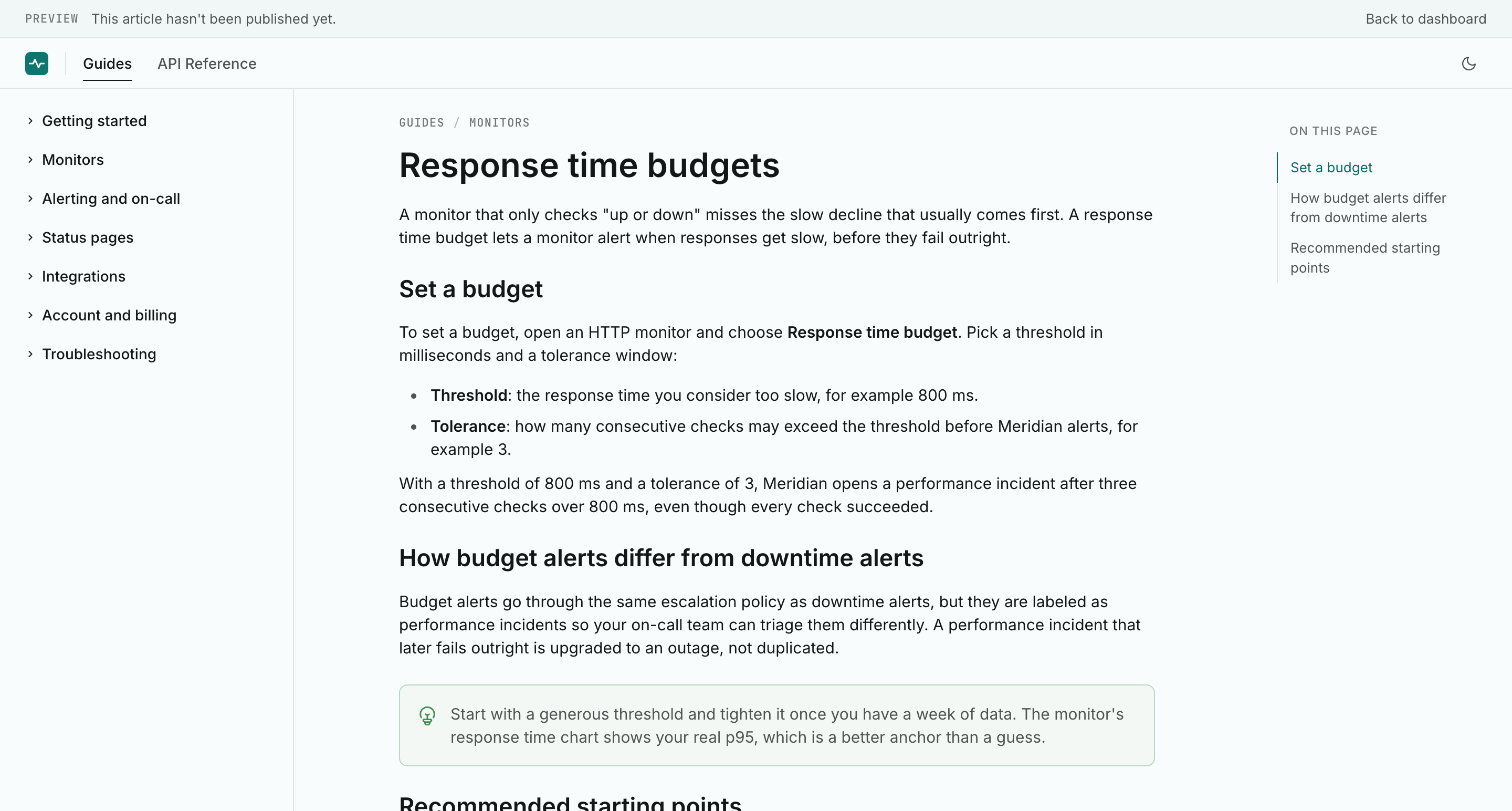 Previews are private to your team and always reflect the latest draft.
Warnings, not errors
Clayo never rejects a save because of a content problem. If an article uses a directive Clayo does not recognize, or an attribute with an invalid value, the save succeeds and comes back with a warning the agent can act on. The warning codes are unknown_directive, unknown_attribute, invalid_attribute_value, and missing_required_attribute, plus one advisory: long_content, which fires when an article passes roughly 12,000 characters and suggests splitting it up. Details live in Directive syntax.
This matters in practice: your agent sees the warnings in the same response, fixes the content, and saves again, all without losing work.
Publishing
Publishing requires a title and a body; drafts can be as empty as you like in the meantime. When the agent publishes, the response includes the live URL, and the change reaches your docs site within seconds. See Publish and view your docs for the full flow, including unpublishing.
Why there is no web editor
This is deliberate. If a task can be described in language, the agent does it, and describing changes is faster than clicking through one more CMS. It also puts your docs where your product work already happens: the same session that ships a feature can update the docs for it, with the codebase right there as reference. The web app owns what genuinely benefits from a UI, such as branding, team management, and insights, and leaves the writing to the tool you already write with.