
Guides/Your docs site
A tour of your docs site
Your published docs live on a fast public site that Clayo builds for you. There is nothing to deploy and nothing to configure: publish an article and it is live at https://yoursubdomain.clayo.site (or your custom domain). This tour covers what your visitors see.
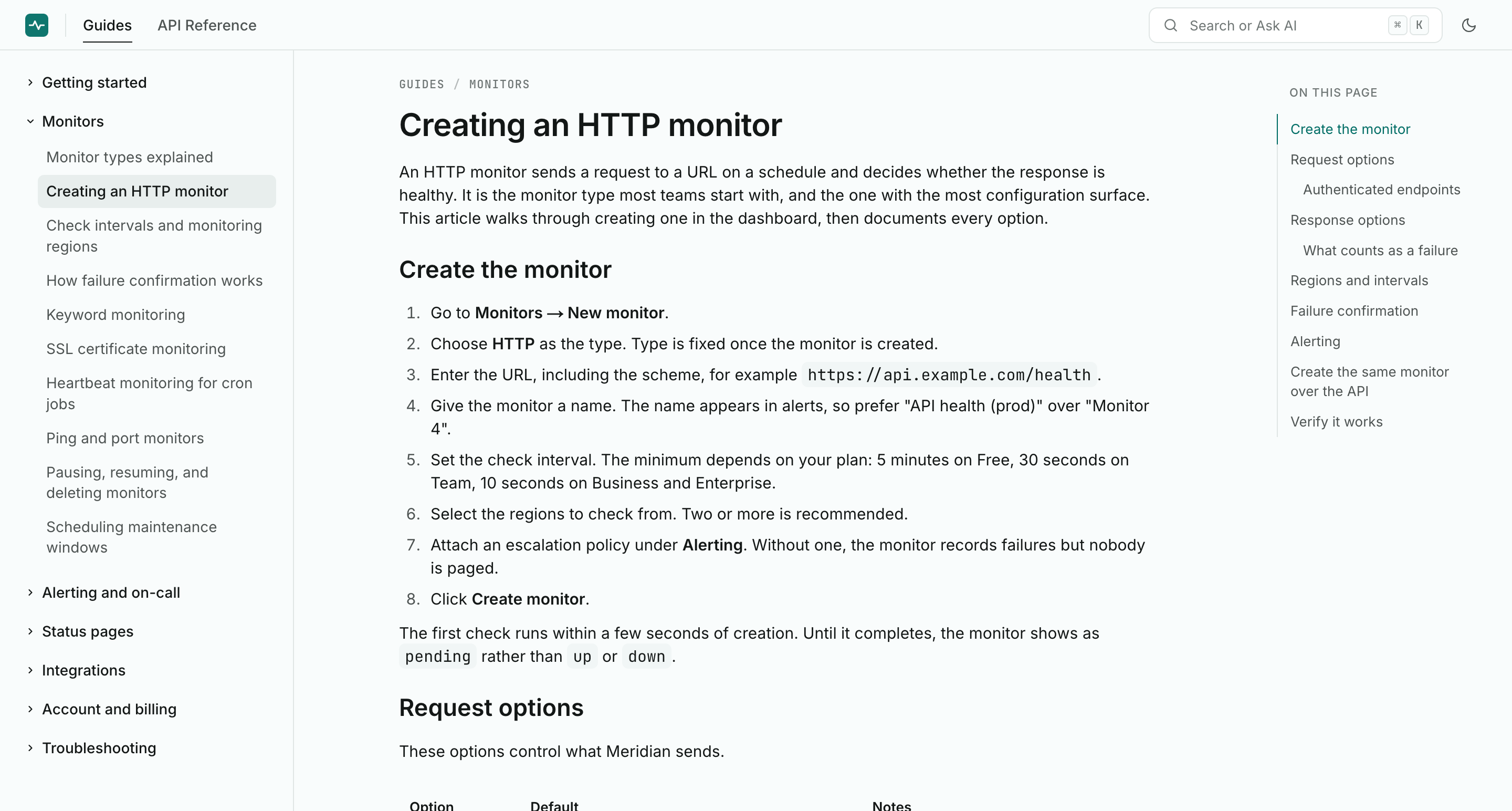
The header
The header stays at the top of every page. It shows:
- Your logo, or a brand-colored initial with your project name until you upload one
- A tab for each section of your docs, for example Guides and API Reference
- The search trigger, which also opens with Cmd+K on Mac or Ctrl+K elsewhere
- A light and dark mode toggle
Sections are the top level of your docs structure. See Organize with sections and collections for how to shape them.
The sidebar
The left sidebar lists the collections in the current section, with articles nested under each. Collections can hold one level of subcollections, which expand in place. The sidebar automatically expands to reveal the article the visitor is reading.
The article page
Each article shows a breadcrumb with its section and collection, the title, and the content. Details that help readers:
- Hovering a heading reveals a copy link button, so anyone can share a link to an exact spot on the page
- The footer shows when the article was last updated
- Code blocks, tables, callouts, tabs, and the rest of your formatting render in one type system tuned for reading
The table of contents
On wide screens, a table of contents sits in the right rail. It lists the article's headings (h2 through h4), highlights the one being read as the visitor scrolls, and skips headings hidden inside collapsed tabs or accordions.
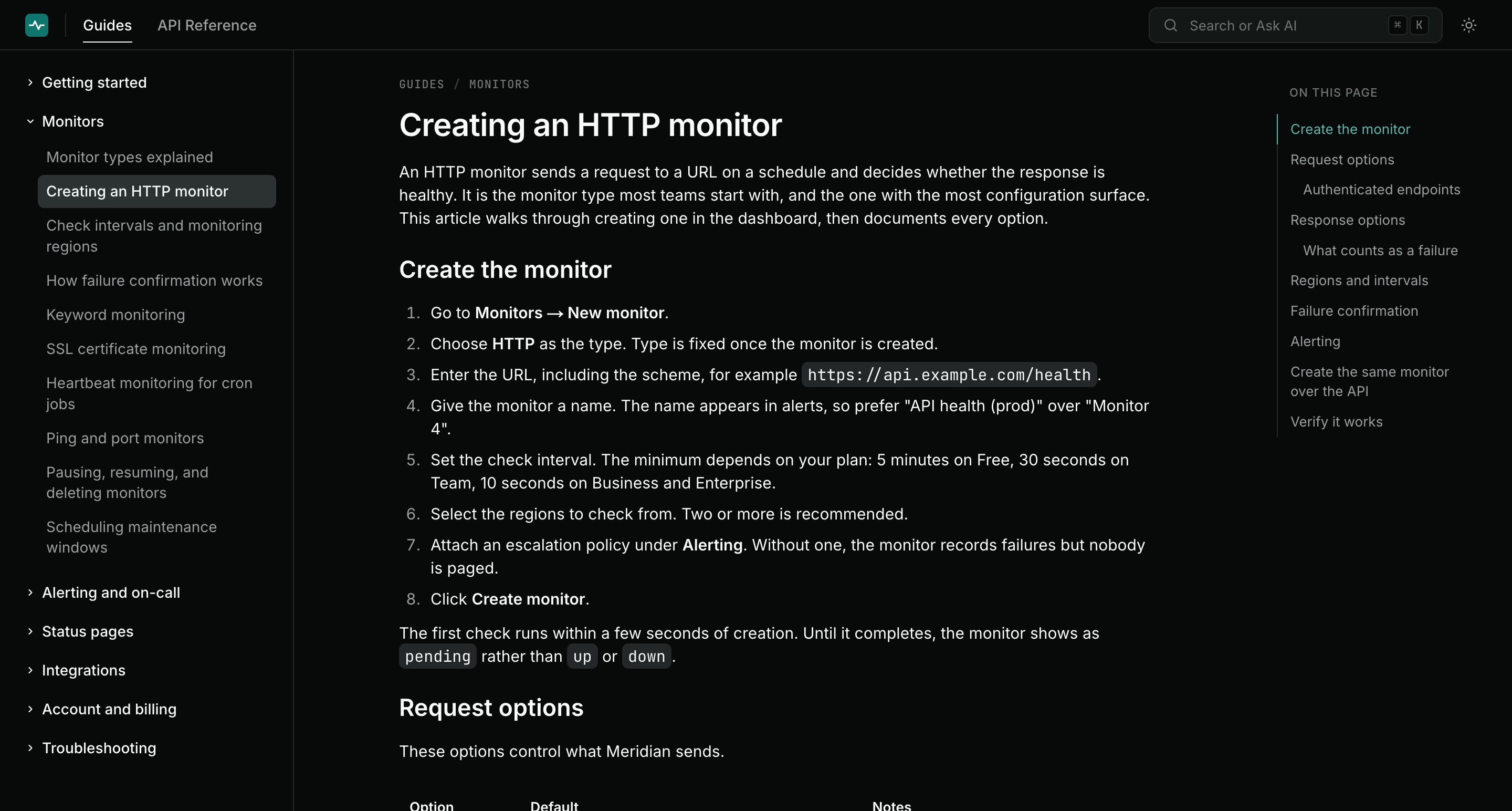
Dark mode
Visitors pick light or dark with the toggle in the header. Both themes ship with every site; there is nothing for you to configure, and your accent color works in both.
URLs
Docs URLs are stable and predictable:
/redirects to your first section/sections/guidesredirects to the first article in that section/articles/your-article-slugis an article's permanent home
If you change an article's slug, the old URL keeps working with a permanent redirect. See Links, slugs, and redirects.
Everything above ships with your branding applied. To make it yours, head to Brand your docs site.